
Managed IT Services Phoenix, Local MSP for Arizona Businesses
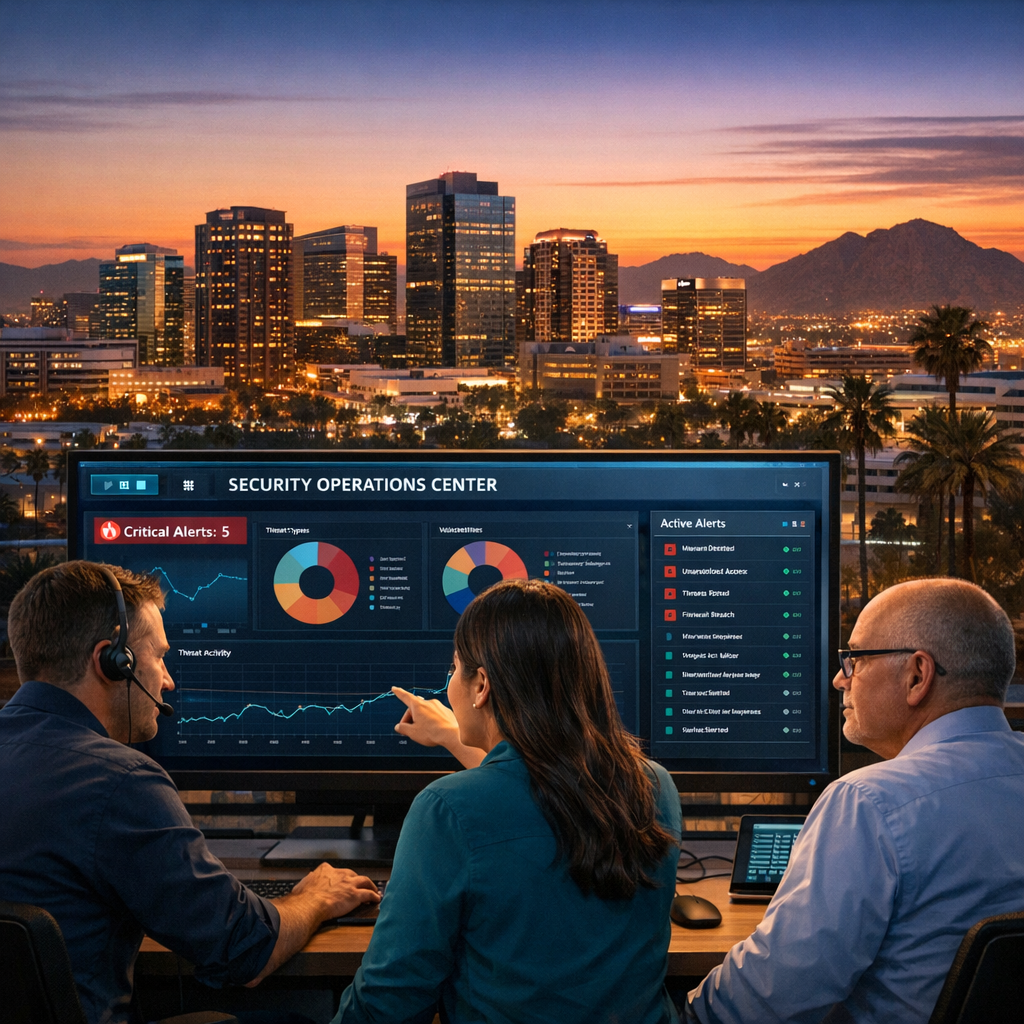
Managed IT Services Phoenix is about more than fixing computers. Local businesses need predictable uptime, data protection, and secure communications so teams can focus on serving customers. If you manage an office in Phoenix, Tempe, or Lake Havasu City, you want an IT partner who knows Arizona rules, local connectivity issues, and what keeps small to mid-size firms productive.
In this article you’ll learn what a trusted managed service provider does for Phoenix companies, how NSSAZ supports regulated industries like healthcare and professional services, and practical steps to evaluate a managed IT plan. We’ll also point you to NSSAZ service pages for deeper details and next steps.
Managed IT Services Phoenix, Managed IT Services for Arizona Offices

Why Phoenix businesses outsource IT
Here’s the thing, managing IT in-house can be expensive and risky. Staffing, certifications, and 24/7 monitoring add hidden costs. Outsourcing to a local MSP lets you convert unpredictable IT spend into a fixed operating expense, get faster response times, and adopt enterprise-grade tools small firms rarely buy on their own.
Common pain points for Arizona offices include intermittent internet reliability, ransomware threats, HIPAA and other compliance needs, voicemail and phone system modernization, and aging office printers. A good MSP solves these proactively and provides a single vendor for hardware, backups, security, and communications.
What does a Managed Service Provider do for Phoenix offices?
Continuous monitoring and endpoint management
- Keep devices updated, patched, and monitored with remote monitoring and management. This reduces malware exposure and slows down costly incidents.
Network security and compliance
- Design and manage firewalls, VPNs, multi-factor authentication, and monitoring to meet regulatory requirements for healthcare, finance, and professional services.
Business continuity and disaster recovery
- Automated backups, tested recovery plans, and rapid failover options let your team work during outages and recover quickly after hardware failures.
Cloud and SaaS management
- Manage Microsoft 365, Google Workspace, cloud storage, and hybrid setups so your staff stays productive and your data stays controlled.
Communications and office systems
- Deploy and manage VoIP phone systems to cut costs and enable remote work. NSSAZ handles cloud voice, voicemail to email, and call routing for small call centers.
Physical security and print management
- Add video surveillance for loss prevention and compliance, and lower print costs with managed copy and print services.
Why choose a local Arizona MSP like NSSAZ?
- Deep local experience supporting Phoenix, Tempe, and Lake Havasu City offices. You get fast onsite support when needed and technicians who know local vendors and best practices.
- Family-owned with more than 70 years of combined IT consulting experience, focused on long-term client relationships and clear communication.
- One-stop IT partner for hardware, backups, security, business communications, and managed print. Learn more about NSSAZ managed IT offerings on the Managed IT Services page.
Typical managed IT services included
- 24/7 monitoring and help desk
- Patch management and antivirus
- Firewall management and intrusion detection
- Endpoint detection and response
- Regular backups and BCDR testing
- Cloud account management for Microsoft 365
- VoIP phone systems and unified communications
- Video surveillance and digital signage solutions
Explore VoIP and communications options on the VoIP Phone Services page and learn about security cameras on the Video Surveillance page.
How NSSAZ works with your team, step by step
- Assessment, inventory, and risk review. We document devices, users, and data flows.
- Prioritized roadmap. Quick wins, risk reduction, and compliance gaps are scheduled.
- Deployment and tuning. Firewalls, backups, RMM agents, and user controls are implemented.
- Ongoing support. Monthly reviews, regular reporting, help desk, and scheduled maintenance keep systems healthy.
What to ask when evaluating managed IT proposals
- What is included in remote monitoring and help desk support?
- How do you handle on-site visits and emergency response times in Phoenix and Lake Havasu City?
- Which BCDR and backup solutions do you use and how often are recoveries tested?
- How do you document compliance for regulated industries?
- Is VoIP included or billed separately and how is call quality managed?
Cost and ROI: what to expect
Managed IT pricing varies by company size, device count, and required SLAs. The ROI comes from reduced downtime, predictable monthly costs, lower licensing waste, and fewer security incidents. For many small offices, outsourcing IT quickly pays for itself by eliminating the need to hire and retain specialized staff.
Local services that complement managed IT
- Digital signage and in-office TV networks to modernize waiting rooms, learn more on the Digital Signage page.
- Managed copy and print to reduce supply costs and improve fleet uptime, details on the Managed Copy & Print Services page.
Common objections and answers
- “We already have an IT person.” Great. An MSP augments staff with monitoring, vendor management, and 24/7 coverage so your in-house person focuses on strategic projects.
- “It’s too expensive.” Think of predictable monthly costs versus one-off emergency bills. Also factor in savings from reduced downtime.
- “We don’t want our data offsite.” Managed IT can include on-prem backups, encrypted cloud backups, or hybrid models tailored to your policy.
FAQs
What is the difference between break/fix support and managed IT services?
Break/fix responds after a problem occurs. Managed IT focuses on preventing problems before they hurt the business through continuous monitoring, patch management, and proactive maintenance.
How quickly can NSSAZ respond to an onsite issue in Phoenix or Lake Havasu City?
Response times depend on your SLA, but NSSAZ emphasizes fast local support with technicians in Tempe/Phoenix and Lake Havasu City for predictable onsite visits.
Do managed services include backups and disaster recovery testing?
Yes, professional managed IT plans include automated backups and scheduled recovery testing so your business can restore operations when needed.
Can you help a medical or dental office stay HIPAA compliant?
Yes, NSSAZ provides compliance consulting and technical controls to support regulated industries like healthcare and dental practices.
Will switching to an MSP disrupt our operations?
A well-planned onboarding minimizes disruption, typically using phased rollouts, weekend updates, and coordination with your team.
How do I know what level of service my business needs?
Start with a risk assessment. NSSAZ can perform an initial review and propose a roadmap that matches your budget and compliance requirements.
Ready to modernize your office IT in Phoenix or Tempe?
Talk to a local team that understands Arizona business needs and can be your long-term technology partner. Request a free review and get a clear plan to reduce downtime and improve security.
Request a free IT consultation at Contact Us or call: (928) 855-9088 for Lake Havasu City, or (480) 569-6897 for Tempe / Phoenix.
Conclusion
Outsourcing IT to a trusted, local MSP turns technology from a recurring headache into a predictable business enabler. For Phoenix and Arizona offices that need reliable backups, modern communications, and regulatory support, working with a one-stop partner reduces risk and frees your team to focus on customers. When you are ready, NSSAZ is here to assess your environment and build a practical, budget-aligned plan.

