
Data Backup and Recovery Solutions for Arizona Small Businesses

Every business knows that a single outage, ransomware event, or faulty hard drive can grind operations to a halt. Protecting client records, employee data, and point-of-sale history is not optional, it is a business requirement. In this article you will learn how data backup and recovery solutions work, why they matter for Arizona offices from Lake Havasu City to Phoenix, and how an experienced local partner can reduce downtime and compliance risk.
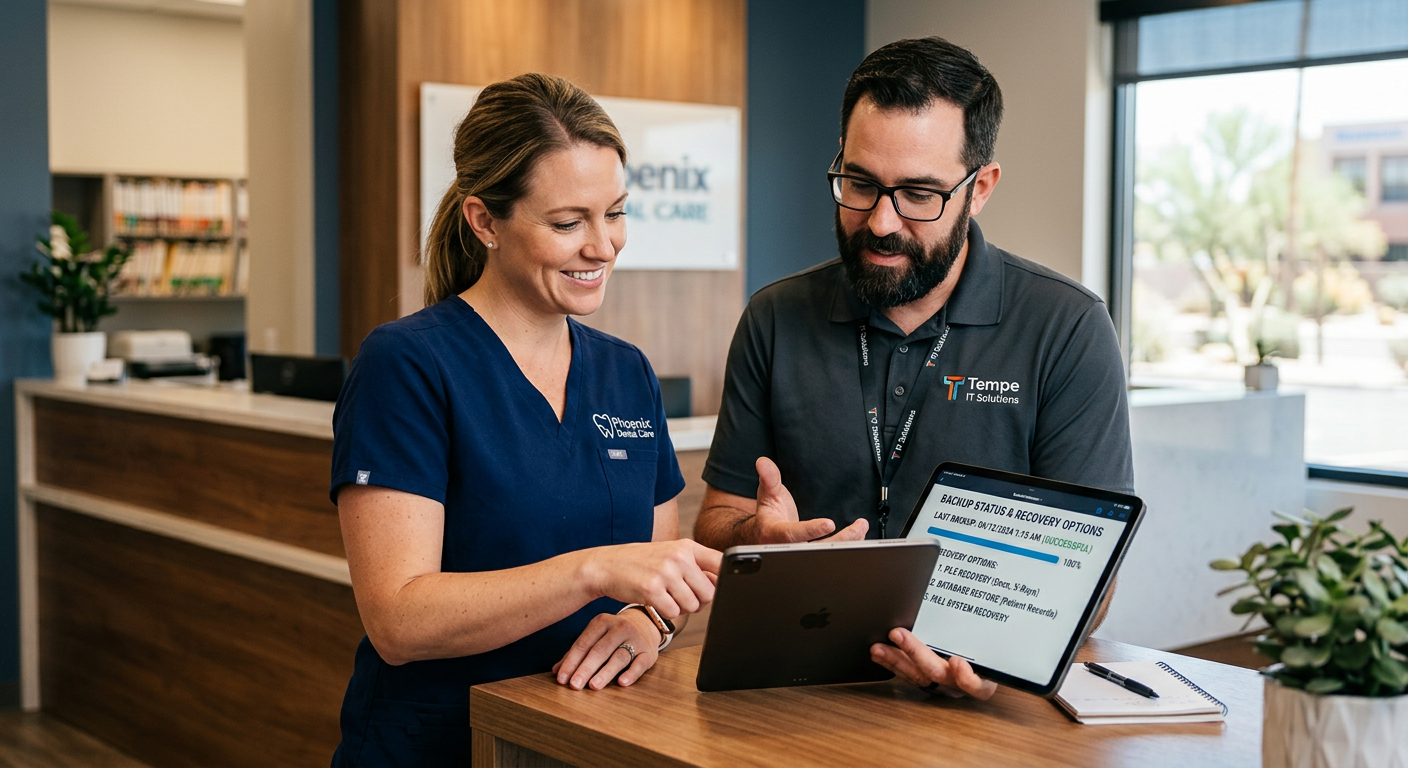
Data Backup and Recovery Solutions: What They Are and Why They Matter
Data backup and recovery covers the systems, processes, and policies that copy your critical data and let you restore it when something goes wrong. It includes on-site backups for speed, cloud backups for off-site protection, and a tested recovery plan that ensures you can get back to business quickly. For regulated industries like healthcare and finance, backups are also a compliance tool, helping you meet retention and incident response requirements.
Key components of a complete backup and recovery program
- Regular automated backups, including file-level and image-based (system image) backups
- Off-site replication to cloud or secondary data center
- Versioning and retention policies tailored to regulatory needs
- Encryption at rest and in transit for patient records and financial data
- Scheduled recovery drills and documented runbooks
- Monitoring and alerting for backup failures and anomalies
Benefits for Arizona Small and Mid-Size Businesses
You want reliable systems, minimal downtime, and predictable costs. A robust backup and recovery solution delivers:
- Faster recovery, less lost revenue during outages
- Reduced risk from ransomware through immutable or air-gapped copies
- Compliance support for HIPAA, PCI, and state regulations
- Peace of mind from local, responsive support in Lake Havasu City and Phoenix
Here’s the thing, many businesses think a USB drive or cloud sync is enough. It isn’t. Modern solutions combine endpoint protection, secure cloud storage, and a tested recovery plan that fits your business size.
Choosing the Right Backup Strategy for Your Office
Full, incremental, and differential backups
Full backups copy everything and are slower but simple. Incremental and differential approaches save time and storage, but you must plan retention and restore procedures carefully.
Local-first, cloud-first, or hybrid approaches
- Local-first provides the fastest restores, ideal for busy retail or dealership shops with large files.
- Cloud-first gives off-site protection and easy scalability for offices in Tempe and Phoenix.
- Hybrid combines both, giving you speed plus geographic redundancy.
Ransomware-resilient design
A resilient design includes immutable backups, isolated storage, and rapid restore processes. Regular testing and air-gapped copies keep you one step ahead of attackers.
How NSSAZ Helps Arizona Businesses (One-Stop IT Partner)
As a family-owned Arizona MSP with more than 70 years of combined experience, Network Systems & Solutions (NSSAZ) builds backup and recovery programs that fit each client’s workflow and compliance needs. Our services include endpoint management, network security, business continuity and disaster recovery (BCDR), and on-site support—so backups are part of a complete IT strategy.
- Managed backup monitoring and alerts integrated with your help desk
- On-site and cloud replication options mapped to Recovery Time Objectives (RTOs) and Recovery Point Objectives (RPOs)
- Regular recovery testing and compliance documentation
Learn more about our managed IT services and how we integrate backups with broader IT management at our managed IT services page: https://nssaz.com/managed-it-services/.
Practical Steps to Improve Your Backup Posture Today
- Identify critical systems and prioritize them for faster recovery.
- Implement automated, encrypted backups with off-site replication.
- Set realistic RTOs and RPOs and document recovery procedures.
- Test restores quarterly, or after major changes, to verify recoverability.
- Train staff on phishing and malware prevention to reduce ransomware risk.
If you operate a multi-location business, like a dealership with a storefront in Lake Havasu City and an office in Phoenix, make sure backups are centralized and tested across locations.
Integrations: Backups, Communications, and Security
Backups should not live in a silo. At NSSAZ we connect your backup strategy to core services like business VoIP, video surveillance, and managed print so all systems are covered:
- Business VoIP phone system configurations and call logs backed up as part of BCDR planning. See our VoIP services: https://nssaz.com/voip-phone-services/.
- Video surveillance storage planning to meet retention rules while controlling storage costs: https://nssaz.com/video-surveillance/.
- Digital signage and content backups for marketing and in-office displays: https://nssaz.com/digital-signage/.
Cost Considerations and ROI
Backup and recovery is an investment that reduces risk. Calculate the cost of downtime for an hour and compare it to the monthly backup expense. For many SMBs, avoiding even one major outage pays for years of backup services. NSSAZ builds predictable, subscription-based plans to match budgets and recovery needs.
Frequently Asked Questions
How often should I back up my business data?
Critical systems should be backed up hourly or continuously, while less critical files can follow daily schedules. Your RPO determines frequency.
What is the difference between backup and disaster recovery?
Backup is the copy of your data. Disaster recovery is the full plan and process to restore systems and resume operations, often including infrastructure and networking.
Can backups protect me from ransomware?
Yes, when backups are immutable, versioned, and stored off-site or air-gapped. Combine this with endpoint security and user training for best results.
How long should I keep backups for compliance?
Retention depends on industry rules. Healthcare and financial services often require multi-year retention. NSSAZ helps set policies that meet regulatory obligations.
What happens during a recovery test?
A recovery test restores data from backups to a test environment, verifies integrity, measures time to recover, and updates runbooks based on findings.
Do you provide on-site recovery support in Lake Havasu City and Phoenix?
Yes, NSSAZ offers local on-site and remote recovery assistance to reduce downtime and coordinate full restores when needed.
Next Steps for Arizona Offices
If you want a practical assessment, schedule a network and backup review with our team. We’ll map your critical systems, define RTOs and RPOs, and show a costed plan that fits your office—whether you’re in Lake Havasu City, Tempe, or downtown Phoenix.
Talk to NSSAZ About Your Backup Needs
Request a free IT consultation or schedule a network and security review at https://nssaz.com/contact-us/. For immediate help, call our local offices: Lake Havasu: (928) 855-9088, Tempe/Phoenix: (480) 569-6897.
Conclusion
A modern backup and recovery program is more than copies on a drive, it is a business continuity strategy that protects revenue, reputation, and compliance. With local, responsive support from a family-owned Arizona MSP, you can sleep easier knowing systems are backed up, tested, and recoverable. Reach out to NSSAZ to make backups a reliable, managed part of your IT operations.

